
SCENE
Rendered worlds
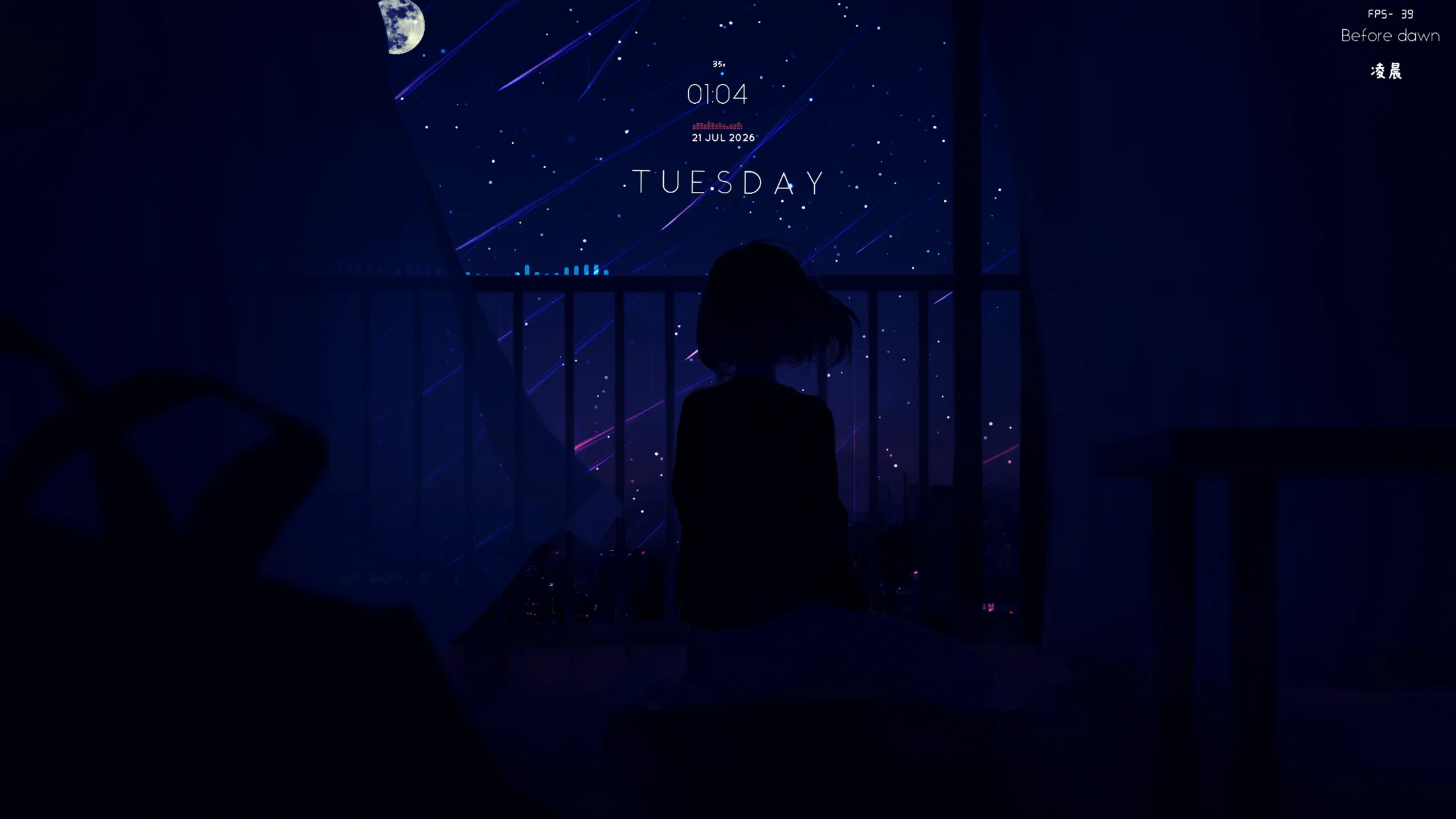
Materials, particles, lighting, effects, and user properties rendered through Vulkan and MoltenVK.
 Native live wallpaper for macOS
Scene, web, and video wallpapers. Steam Workshop, per-display control, smart playback rules, and a standalone live screen saver — together in one native macOS app.
Three formats, one library
Materials, particles, lighting, effects, and user properties rendered through Vulkan and MoltenVK.
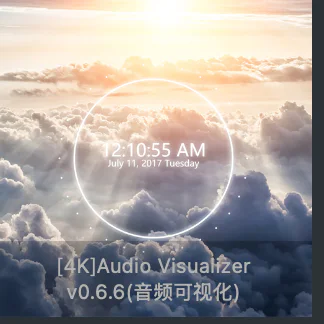
HTML, JavaScript, media, mouse interaction, and audio response hosted by WKWebView.
Smooth looping, speed, volume, and fill modes for local video wallpapers through AVFoundation.
The real Mirage library
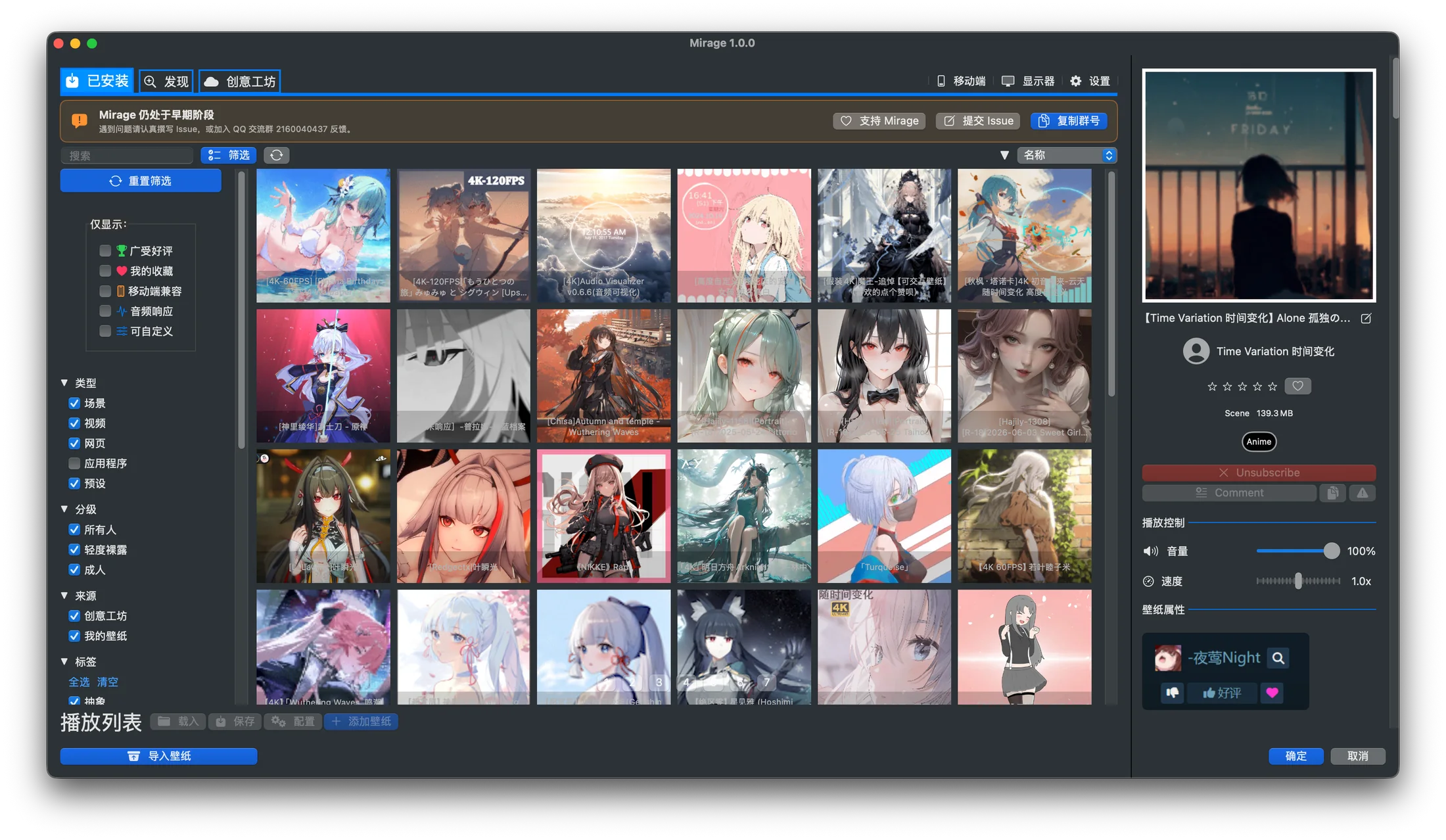
Search, sort, filter, favourite, import, and tune playback in one native workspace. Local items, Workshop downloads, and presets stay together with their source clearly identified.
Steam Workshop
Discover Workshop content by format, tag, popularity, rating, and recency. Mirage handles SteamCMD, sign-in, Steam Guard, download queues, and preset dependencies.
Open the Workshop guide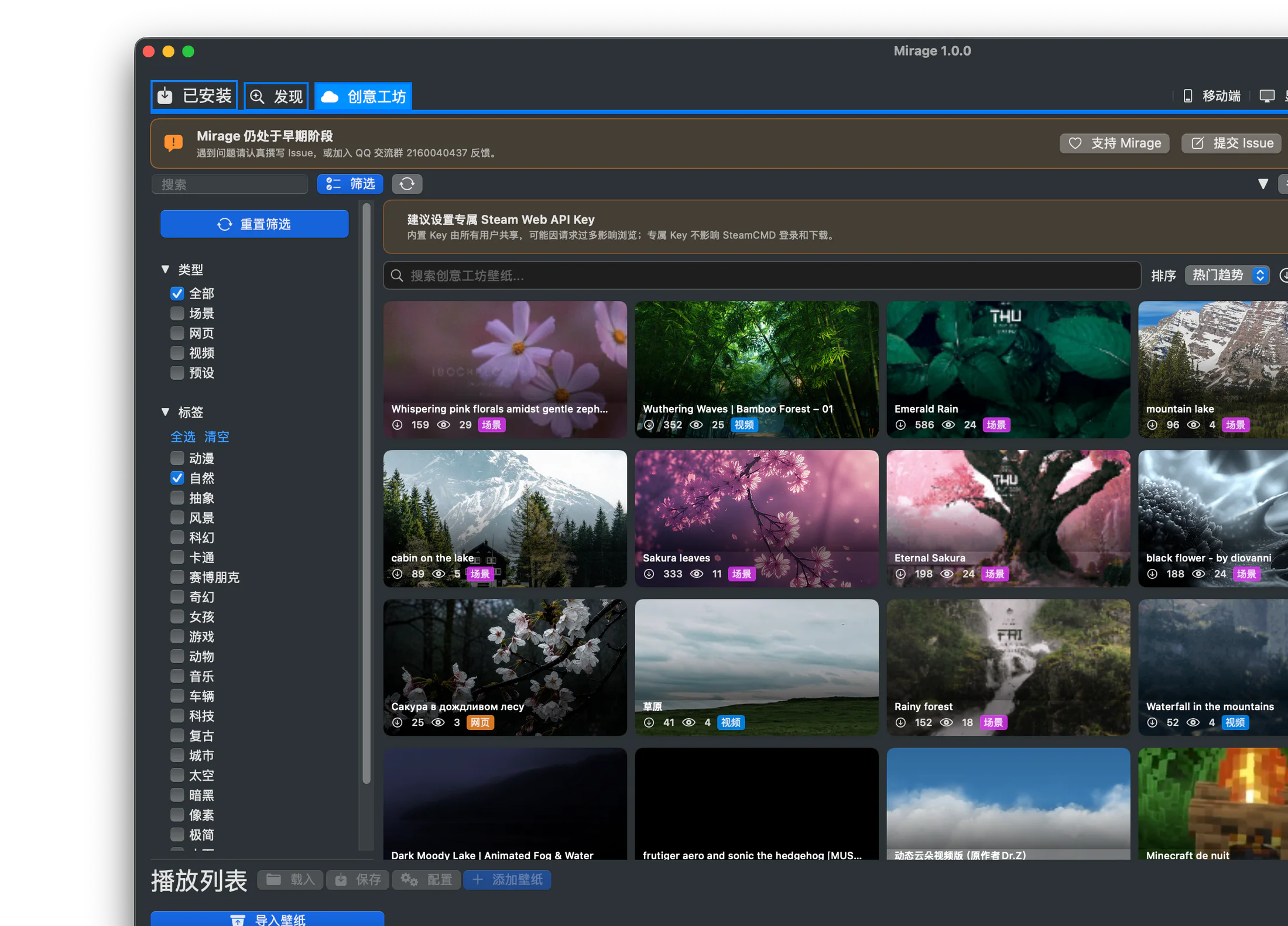
Smart playback
Choose what happens when another app is full screen, audio is playing, the display sleeps, or a MacBook switches to battery power.
Performance settings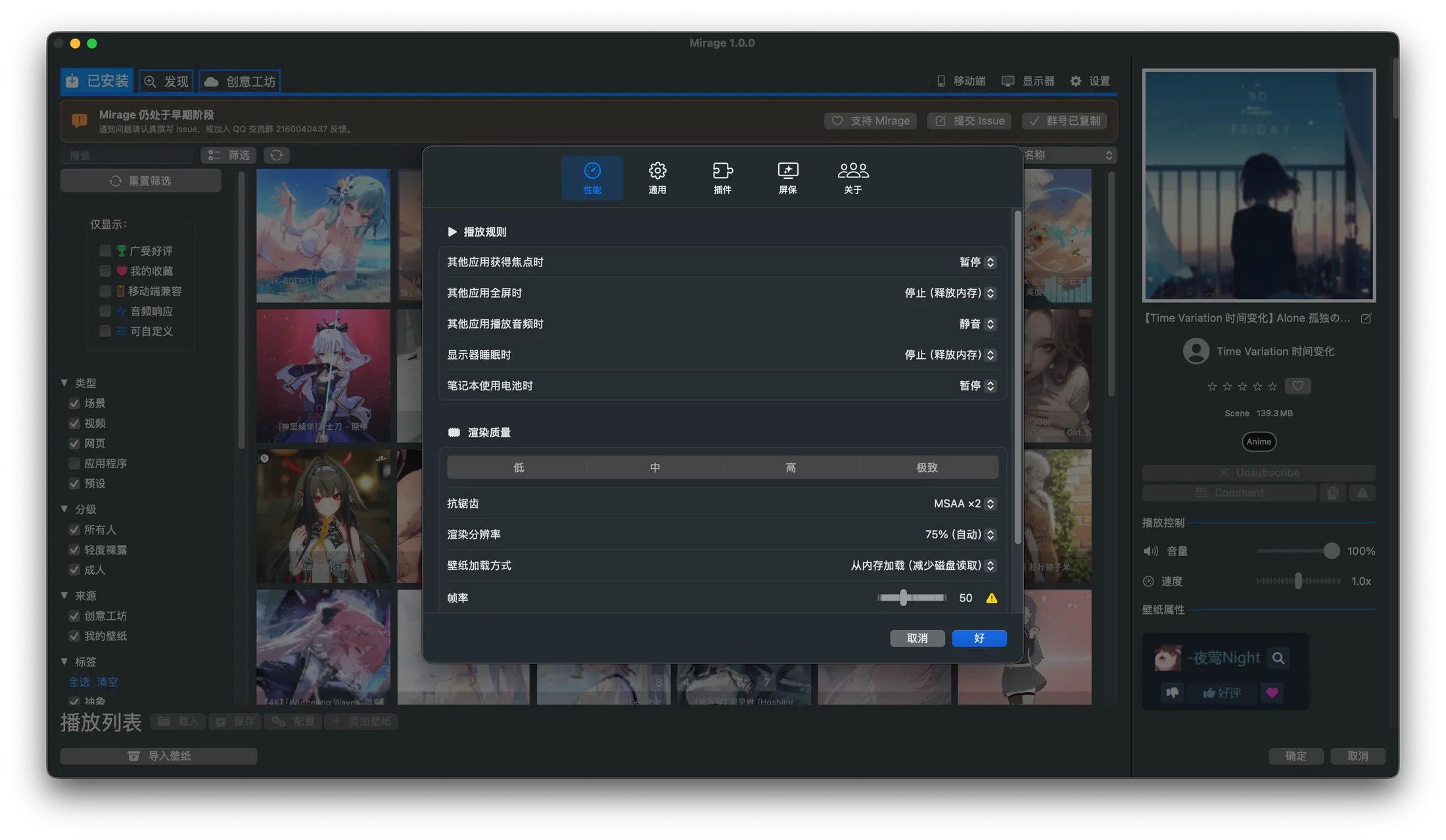
Live screen saver
Use the same scene, web, or video wallpaper as a standalone screen saver, with its preset and custom properties preserved.
Screen saver guide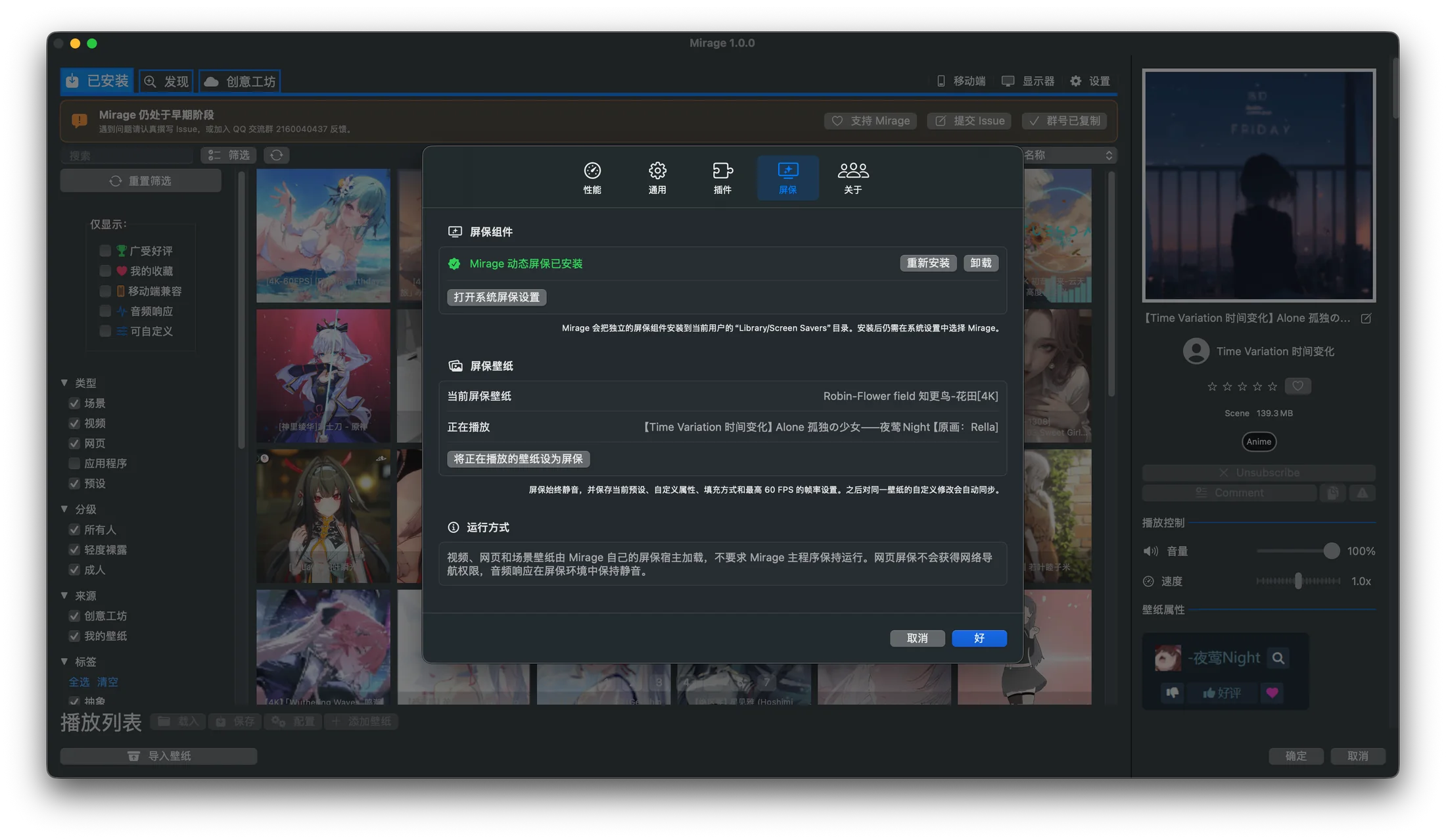
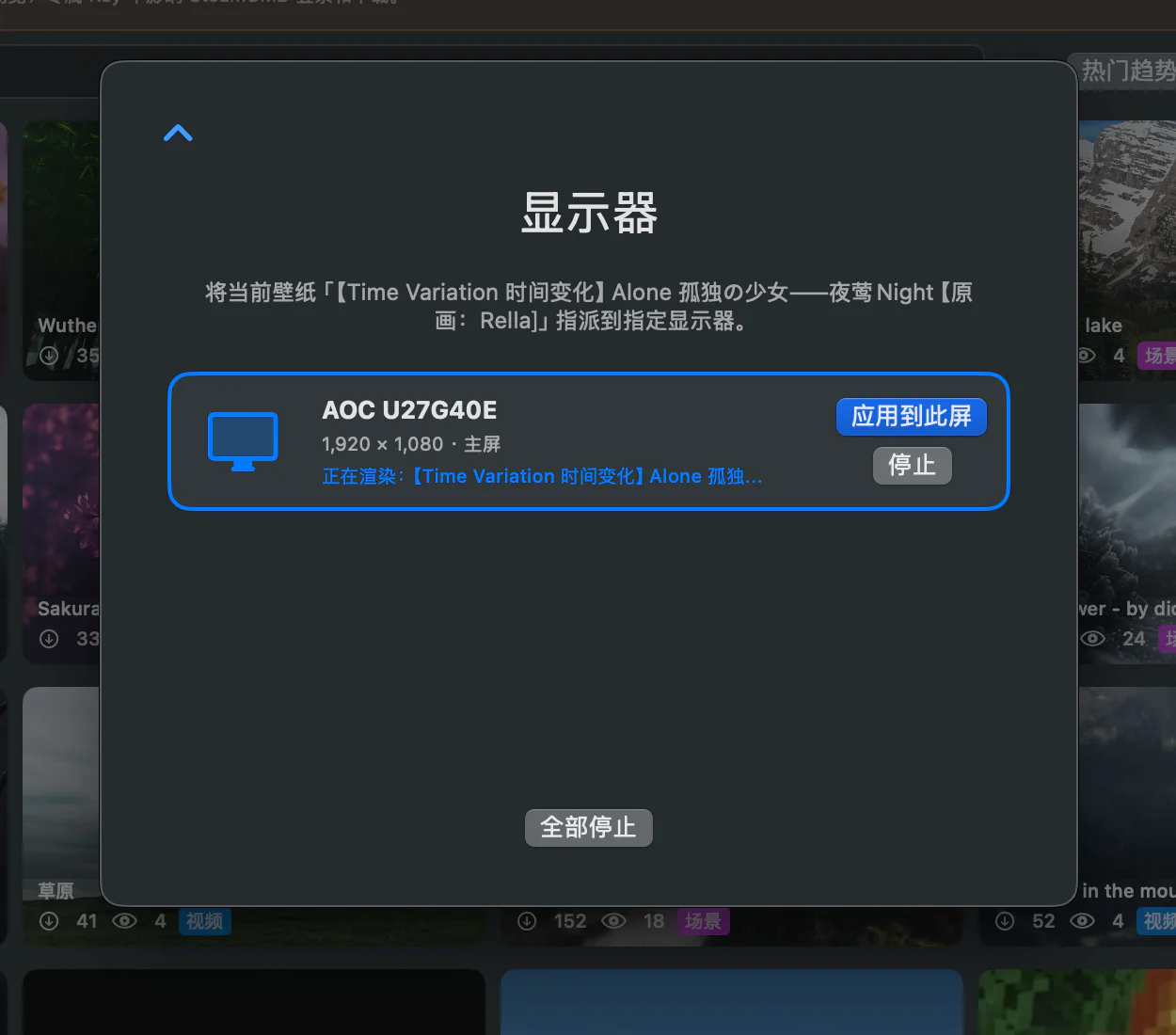
Per-display control
See every connected display, apply the selected wallpaper to one screen, or stop individual renderers from a focused control panel.
Multi-display guideOpen, transparent, supportable
Mirage is GPL-3.0 software for macOS 14.2 and later. Sponsorship is optional and never unlocks or restricts features.
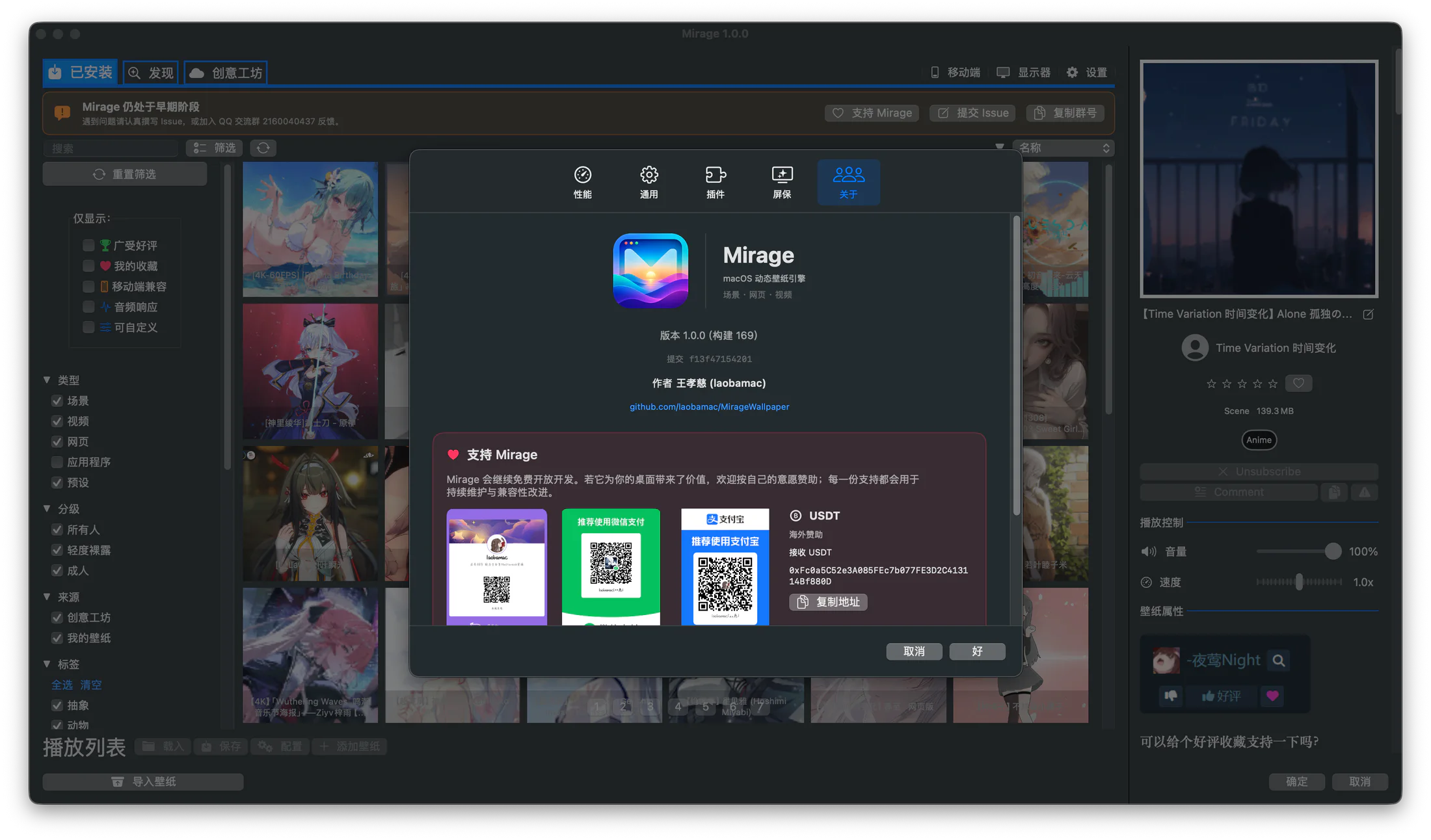
Available for Apple Silicon and Intel Macs.