What is Mirage
Mirage is a native live wallpaper manager for macOS, and also a Wallpaper Engine compatible runtime. Built with SwiftUI and AppKit, it handles wallpaper browsing, management, and system integration, while three separate renderer processes play scene, web, and video wallpapers.
You can use it to read local Wallpaper Engine-style wallpaper packages, or browse the Steam Workshop directly, sign in to Steam, and download wallpapers.
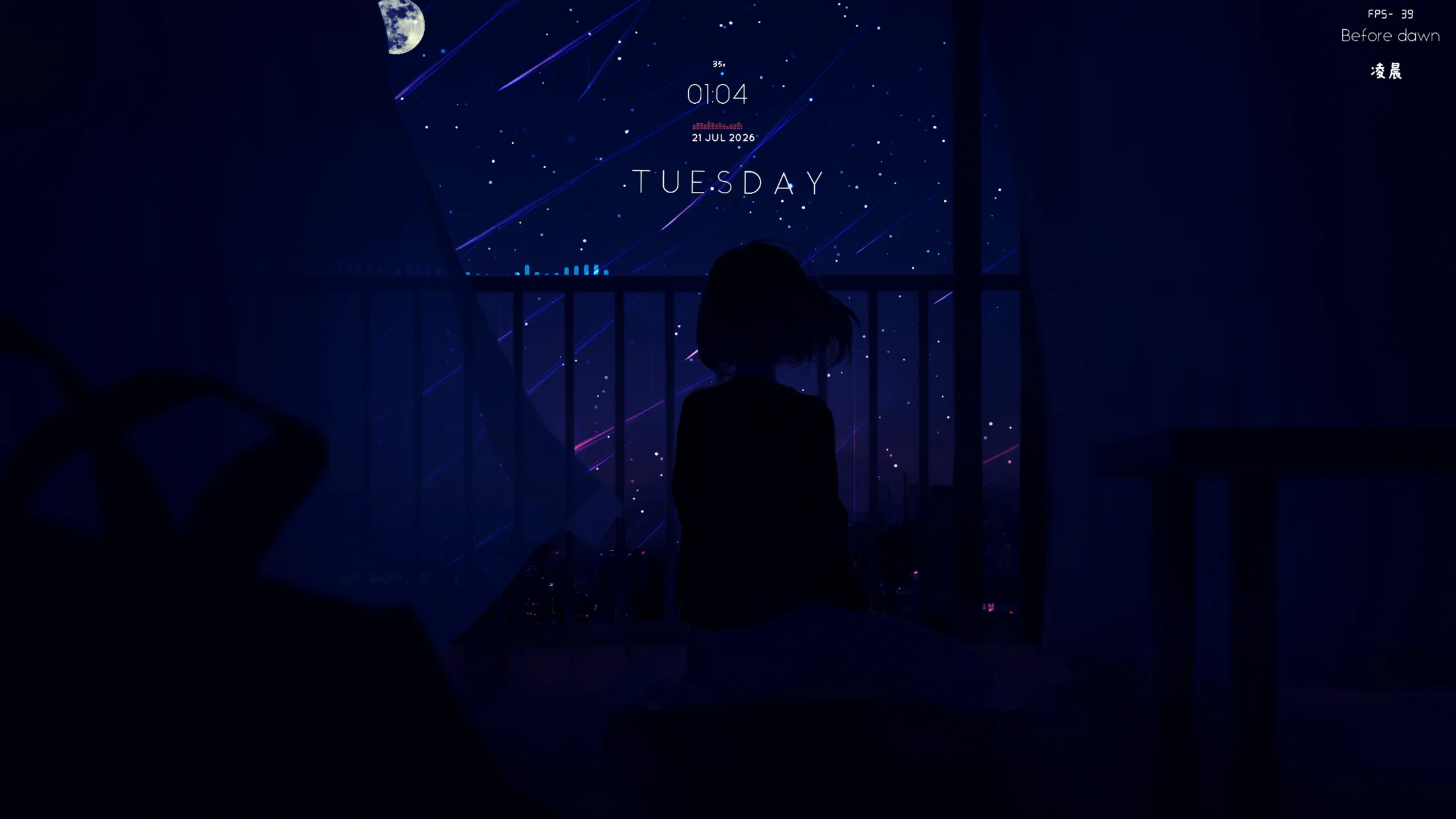
Actual output from Mirage’s SceneWallpaper renderer.
What it can do
Section titled “What it can do”- Play three kinds of live wallpapers:
scene,web, andvideo. - Manage your wallpaper library: browse installed wallpapers with search, sorting, favorites, and filtering by type, source, tag, and content rating.
- Import and convert: import a directory containing a
project.jsondirectly, or convert.mp4,.mov, and.m4vvideos into local wallpaper packages. - Connect to the Steam Workshop: browse trending, latest, popular, top-rated, and tag-based content, and recognize and download Workshop presets.
- Embedded Steam service: Mirage handles QR or password sign-in, Steam Guard, concurrent downloads, live speed, and content validation.
- System integration: multi-display coverage, menu bar control, launch at login, and desktop placeholder image recovery.
- Live screen savers: package video and scene wallpapers into standalone screen savers that keep the current preset and custom properties.
- Smart power saving: continue, mute, pause, or stop playback when a full-screen app is active, another app is playing audio, the screen sleeps, or the Mac is on battery power.
Core design: multi-process rendering
Section titled “Core design: multi-process rendering”Mirage delegates rendering to three separate processes, leaving the main app to handle the interface and coordination:
| Component | Technology | Responsibility |
|---|---|---|
| Mirage | SwiftUI, AppKit | Interface, wallpaper library, Workshop, settings, process management, and system integration |
| SceneWallpaper | C++20, Vulkan, MoltenVK | scene.pkg / scene.json, materials, particles, LUTs, text, and user properties |
| WebWallpaper | Objective-C++, WKWebView | HTML wallpapers, JavaScript, media, mouse events, and user properties |
| VideoWallpaper | Objective-C++, AVFoundation | Video looping, volume, speed, and fill mode |
| MirageScreenSaver | Swift, WebKit, AVFoundation, Metal | Standalone-installed host for live screen savers |
The renderers run as separate processes. Mirage sends line-by-line JSON control messages over standard input, so a crash in a single renderer won’t directly corrupt the main app’s state. To dig deeper, read Rendering architecture.
What’s next
Section titled “What’s next”- Start by confirming your machine meets the system and build requirements.
- Then get Mirage running with Install & first launch.
- To get familiar with the interface quickly, see the Interface tour.