
Wallpaper Types
Mirage identifies a wallpaper’s type from the type field in project.json and hands it to the matching renderer process for playback. The three main types are described below.
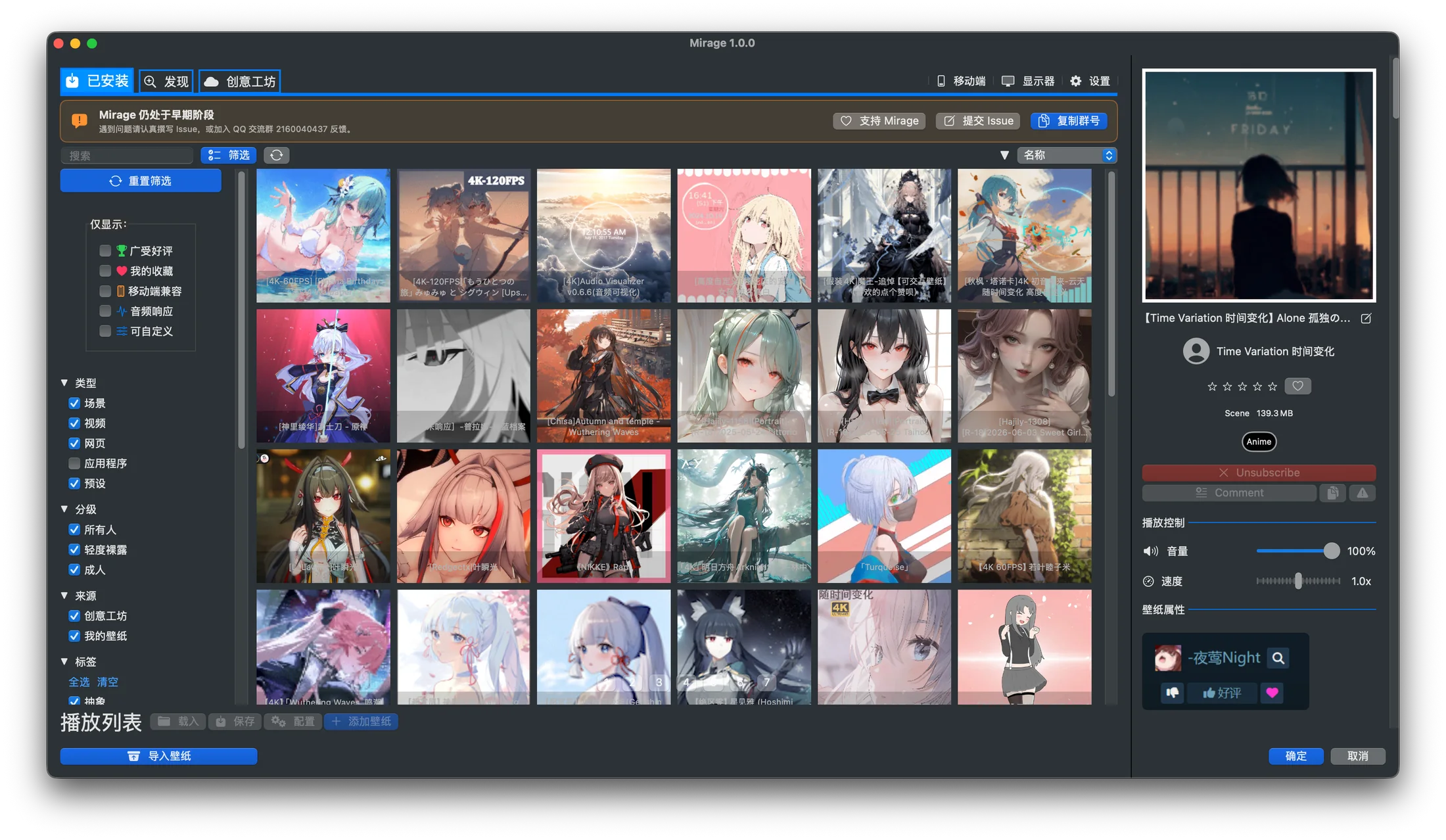
The real library identifies format and source, with filters available in the same view.
Scene wallpapers are Wallpaper Engine’s native format. They typically include a scene.json or a packaged scene.pkg, along with resources such as materials, models, particles, and shaders.
- Renderer: SceneWallpaper
- Tech stack: C++20, Vulkan (translated to Metal via MoltenVK)
- Capabilities: materials, particles, LUT color grading, text rendering, user properties
A web wallpaper is essentially an HTML page. It can run JavaScript, play media, and respond to mouse events.
- Renderer: WebWallpaper
- Tech stack: Objective-C++, WKWebView
- Capabilities: HTML / CSS / JS, media playback, mouse interaction, user properties
Because web wallpapers execute scripts, Mirage shows a security confirmation when you apply a web wallpaper from an unknown source. See Web Wallpaper Safety for details.
A video wallpaper loops a video clip. It is the lightest type and offers the best compatibility. You can turn a video directly into a video wallpaper.
- Renderer: VideoWallpaper
- Tech stack: Objective-C++, AVFoundation
- Capabilities: looping playback, volume, speed, fill mode
Other Types
Section titled “Other Types”project.json may also declare types such as application. Mirage offers “Application” and “Preset” categories in its filters, but it will not launch a renderer process for unrecognized or unsupported types. For Workshop presets, see Presets.
Types and the Rendering Architecture
Section titled “Types and the Rendering Architecture”Each type maps to a separate renderer process that runs in isolation from the others. To learn how the processes communicate and how crashes are isolated, read Rendering Architecture.