
Settings Overview
Open the settings window from the Settings button at the top of the main window, or from “Settings” (,) in the menu bar. There are five section tabs at the top of the window.
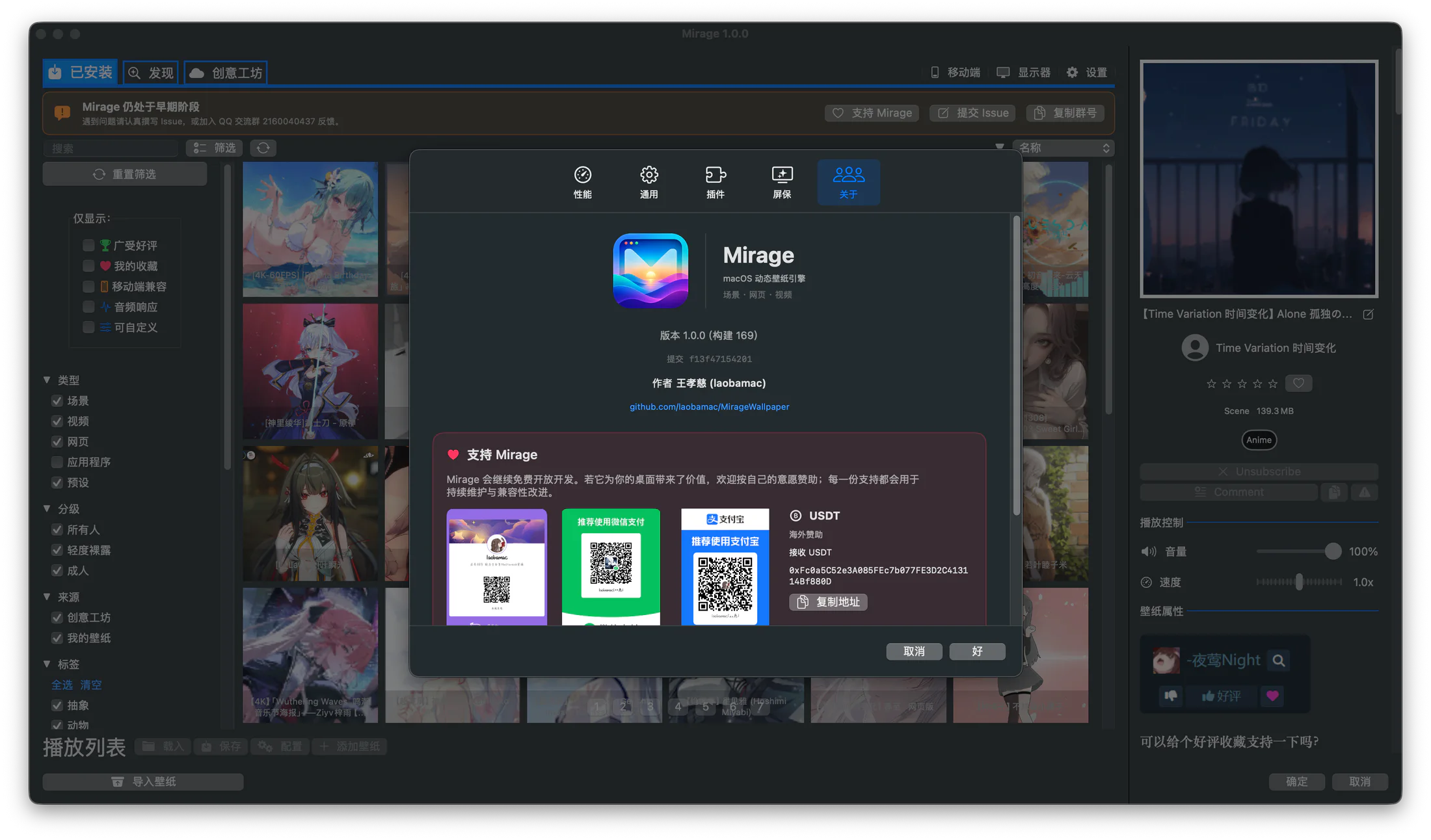
The real Settings window; use the tabs at the top to switch between Performance, General, Plugins, Screen Saver, and About.
The five sections
Section titled “The five sections”| Section | Contents |
|---|---|
| Performance | Playback rules (power-saving strategy) and render quality. See Performance and Playback Strategy |
| General | Startup, updates, language, appearance, audio, wallpaper library directories, Workshop API. See General and audio settings |
| Plugins | Extensions and plugins. See Plugins |
| Screen Saver | Install and configure the live screen saver. See Live Screen Saver |
| About | Version info, acknowledgments, and project links |
Save and cancel
Section titled “Save and cancel”There are “Cancel” and “OK” buttons at the bottom of Settings:
- OK: saves your changes and closes the window.
- Cancel: discards your changes and closes the window.
When there are unsaved changes, a “Modified” indicator appears at the bottom. Some settings (like volume and frame rate) preview in real time as you adjust them, but still need “OK” to persist.
Reset all settings
Section titled “Reset all settings”“General → Advanced” provides a “Reset” button that restores all settings to their defaults. This affects everything, including playback rules, quality, language, appearance, directories, and API key, so use it with care.